Have you ever sat down to “fix one sentence,” then stared at your screen for hours? A new writer I know did that every night, changing commas, deleting words, and losing the plot. By the end, they didn’t feel proud, they felt stuck.
That’s what makes common beginner editing mistakes so frustrating. They turn an exciting draft into a heavy slog. The good news is that most of these problems have simple fixes.
In this guide, you’ll learn how to fix them in four key moments: editing while you write, jumping into grammar too early, cutting scenes too fast, and editing alone without fresh eyes.
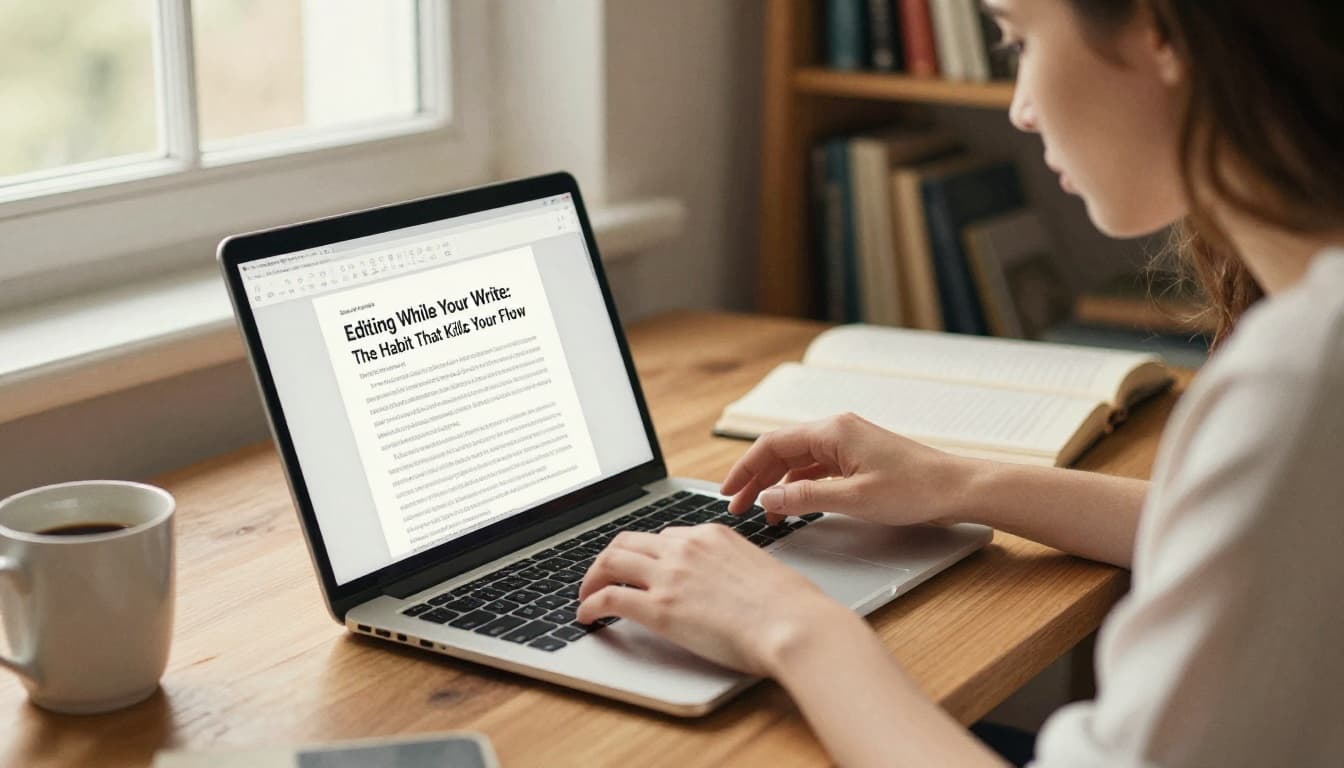
Editing While You Write: The Habit That Kills Your Flow
When you edit mid-sentence, you don’t just slow down. You also break the chain of ideas. Your brain switches from creating to judging. Then the draft stops feeling alive.
Most new writers do this at some point. They pause after every paragraph. They reread. They backspace. They “just make it better” before moving on. In reality, that habit can make the whole project feel impossible, even when your story is strong.
It also creates doubt. Every tiny flaw turns into proof you should start over. Meanwhile, your best scenes might still be waiting in the next pages.
If you want to fix this, separate two jobs: making and polishing.
Finish the messy first draft first. Then edit later, in a new pass. Give yourself time to step away. A week break helps your brain return with less attachment, so you can spot issues faster.
Here’s a simple method that works for most beginners:
- Write for a set time (like 25 minutes).
- If you spot a problem, add a note like “fix later.”
- Keep moving until the timer ends.
- Only then do you clean anything up (or stop and reset).
You can also use placeholders. If a line is tricky, swap in something temporary. Your goal is forward motion, not perfect wording.
The draft is the engine. Editing is the maintenance. If you do maintenance while driving, you go nowhere.
If you want a wider look at typical first-draft editing traps, see 10 editing mistakes first-time authors make for more examples of what to avoid.
Spot the Signs and Swap Them Out Fast
How can you tell you’re editing too soon? Watch for patterns.
If you keep doing any of these, you’re likely stuck in “fix mode”:
- You backspace every time you write a sentence you don’t love.
- You reread the same paragraph two or three times before continuing.
- You delay writing because grammar “feels messy.”
- You change details that don’t even matter yet.
Try swaps that move you forward, even when your brain resists. Turn off spellcheck during drafting. Let mistakes exist. Add notes instead of rewriting.
Also, set a hard boundary. When the timer ends, you can draft one more scene. If you still feel stuck, switch to a “fix later” list.
Writers often use simple rules like “finish first” and “fix later.” Keep those ideas close. They remind you that revisions are normal, not failure.
Finally, reward completion. It sounds small, but it works. When you finish a draft segment, you teach yourself that momentum beats perfection.
Starting with Grammar Before the Big Picture
Grammar is tempting because it feels objective. A comma is either right or wrong. A typo either exists or doesn’t.
But story problems aren’t always fixable with grammar tweaks. If your plot stalls, you won’t fix it by changing one verb. If your pacing drags, spellcheck won’t restore tension.
So beginners often edit backwards. They jump straight to wording and correctness, then wonder why the draft still feels weak. That approach buries the real issues under a pile of small changes.
Instead, use editing stages. Start with structure and story. Then move down to sentences. Save proofreading for the last pass.
This order matters because it reduces rewrites. You don’t want to polish lines in a scene that will later be moved, merged, or cut.
Think of it like building a house. You don’t paint trim before you fix the frame.
For a clear explanation of what comes first, check developmental editing at Reedsy. It focuses on big-picture fixes like plot, voice, and character.
Your Step-by-Step Editing Roadmap
Use this three-pass roadmap. It keeps you calm and focused, so you don’t bounce around.
| Pass | What you check | What you fix |
|---|---|---|
| 1. Big picture | Plot, character goals, arc, flow | Scene order, missing events, unclear motivations |
| 2. Line work | Sentence clarity, rhythm, repetition | Word choice, sentence length, unnecessary lines |
| 3. Proofreading | Typos, punctuation, tense slips | Spelling, commas, quotes, consistency |
Here’s the key: don’t hunt grammar during pass one. You’re building the story, not polishing it.
If you want an easy framework for the stages, four stages of novel editing breaks down the idea in a way that’s easy to follow.
You can make the passes even easier with one habit. Print the draft for big picture edits. Then read it like a stranger. Ask, “If I didn’t write this, would I follow?”
After that, do line edits with fresh eyes. You’ll notice what feels repetitive or fuzzy. Finally, do proofreading slowly. Read each sentence out loud if you can.
Cutting Scenes Ruthlessly Without Thinking Twice
One of the fastest ways to ruin a story is to cut it emotionally. Beginners often treat “tightening” like a clean-up job. They slash scenes because they feel boring or long.
But cuts can remove more than words. They can remove trust, character, and payoff.
Sometimes a scene feels “extra” because it’s setting up tension. You might not see the payoff yet. Yet later, that same scene becomes the reason the ending hits.
That’s why good editing trims fat, not heart. Clear trimming helps focus your story. Thoughtless cutting weakens the emotional engine.
So before you delete anything, ask one question: Does this cut weaken the impact?
If the answer is yes, keep it or rewrite it. If the answer is no, you can remove it confidently.
Test Cuts with These Quick Checks
Use these checks before you hit delete:
- Plot check: Does the scene move the story forward, or reveal what changes next?
- Emotion check: Does it build a feeling (fear, relief, love, shame) that later matters?
- Info check: Does it avoid dumping backstory in one place, or does it spread meaning across moments?
Then do one extra test that helps a lot. Read the draft aloud after the cut idea. Listen for missing context. If your mouth trips, your reader might too.
Also remember this: brevity is a style choice, not the goal. The goal is clarity and meaning. Sometimes the best solution isn’t cutting. Sometimes it’s rewriting a tighter version of the same scene.

If you want more guidance on deciding what to keep, read how to know when to cut a scene. It focuses on the difference between “not needed” and “not understood yet.”
Editing Alone and Missing Fresh Feedback
Self-editing is normal. You wrote the draft. You know what you meant. However, that closeness can trick you.
When you edit alone, you miss blind spots:
- A plot gap that’s obvious to you but confusing to readers.
- A character motive that feels clear to you, but not on the page.
- Awkward wording you’ve read too many times to notice.
Also, editing alone can lead to over-editing. You keep polishing lines because no one else shows you what matters. Soon, your draft gets worse. You end up chasing tiny flaws while the big issue stays.
Fixing this usually means getting feedback in the right order. First, ask for story-level notes. Then you can refine sentences.
If budget allows, consider a pro later. But start smaller if you need to.
A great beginner plan looks like this:
- Get beta readers for overall story clarity and emotional impact.
- Revise based on their patterns.
- Then hire a professional editor if you want line-level polish.

For a practical breakdown of roles, see beta reader vs editor: which do I need?. It helps you avoid the common mix-up.
Beta Readers vs Pros: Pick the Right Help
Beta readers and pros do different jobs, so choose based on your current needs.
Beta readers help with reader response. They can tell you where people get lost. They often give faster, more affordable notes. They’re great for spotting plot holes, weak pacing, and “I didn’t buy that” moments.
Pros help with craft and correctness. A line editor focuses on sentence flow and style. A copyeditor catches grammar and consistency issues. This cost can be worth it, especially before you send your work out.
To get the best feedback, ask smart questions. Instead of “Is it good?”, try:
- “Did the ending surprise you?”
- “Where did you lose interest?”
- “Was any scene confusing or repetitive?”
- “Which part made you feel something?”
Also, start small. One to three beta readers can be enough. Too many readers can drown you in mixed opinions.
Most importantly, don’t treat feedback like a verdict. Treat it like a map. Look for repeated themes. Then revise those parts first.
Conclusion
If you want to avoid common beginner editing mistakes today, start by fixing your process, not your sentences. Write the draft first, then edit in separate passes. Begin with big-picture edits, then move to line work, then proofreading.
Next, cut with care. Trim what drains the story, but protect scenes that carry emotion and meaning. Finally, don’t edit alone forever. Get fresh eyes before you polish too far.
Try one fix on your next draft. Then note what changes. If you want, share your results in the comments. And if you’re ready to grow your toolkit, look for a guide on editing tools for writers so your next pass goes faster.