If you’ve ever hit record without a script, you already know the chaos. You ramble, you repeat yourself, and the video feels longer than it is.
A simple video script for beginners fixes that. It boosts your confidence, cuts editing time, and helps keep viewers watching. In fact, scripted videos often land around 40 to 60% audience retention, while unscripted ones can sit closer to 25 to 35%. That difference can feel like a 50% improvement in watch behavior, especially in the first minutes (source: scripted vs unscripted retention in 2026).
Ready to make videos viewers love?
Pinpoint Your Goal and Audience Before Writing a Word
Before you write a single line, decide what the video must do. Otherwise, your script becomes a tour of random thoughts.
Think of your goal like a GPS. If you pick a destination, every turn makes sense. If you don’t, you drive in circles and wonder why you’re tired.
Here’s a simple way to choose your goal:
- Teach: You explain steps, facts, or a skill.
- Entertain: You tell a story, share laughs, or keep it light.
- Sell: You show value, then guide a viewer to act.
Match the viewer, not your mood
Next, picture one viewer clearly. Not “everyone on the internet.” One person who might actually watch to the end.
Write down:
- Age range (or life stage)
- What they struggle with
- What they want
- What stops them today
For example, imagine you want to make a cookie video. Your audience might be beginners who keep getting flat cookies. They want cookies that look right and taste good. Right now, they might feel stuck on what to change.
If you plan around that pain, your script writes itself faster. Plus, it stays simple for new creators.
Use a worksheet-style prompt
Copy this into Notes or a doc:
- Who is my viewer?
- What pain do they have?
- What outcome do they want today?
- Why will they trust me?
A 2026 tip you can use today
In 2026, your best “what should I say?” answers often come from your own channel data. In YouTube Studio, check what people ask and search for in your niche. Then write your script to answer those questions clearly. This guide explains which metrics matter and how to read them: YouTube Analytics Guide (2026).
When your goal and audience are clear, your video stops feeling messy. Now you can plan structure without guessing.
Sketch a One-Page Outline to Organize Your Ideas Fast
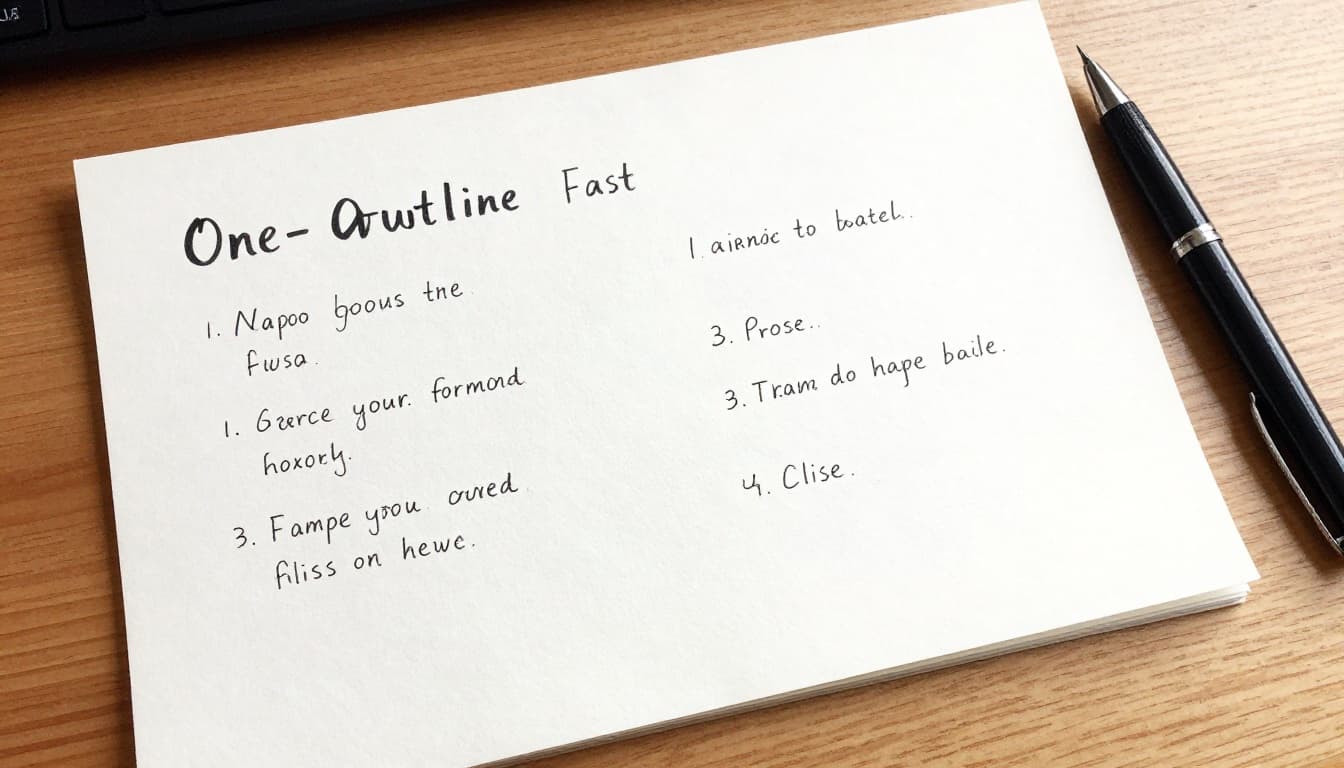
Now that you know the goal, outline your video in plain chunks. No fancy wording. Just clear beats.
A one-page outline works because it stops you from “discovering” the video while recording. Instead, you build the path first. Then you walk it on camera.
Build a simple treatment
Start with the goal at the top. Then add 3 to 5 key beats. Keep them in the order viewers should feel them.
A basic treatment looks like this:
- Hook (what makes them stay)
- Beat 1 (your first step or key point)
- Beat 2 (your second step or key point)
- Beat 3 (your final step or payoff)
- Close (recap + action)
Why start with the first beat? Because most videos lose viewers early. If your hook is weak, the rest of the script doesn’t matter much.
Keep the video short enough to finish
Beginners usually do best with a practical length. Aim for 3 to 8 minutes for standard YouTube videos. If you’re posting Shorts or Reels, you can compress the same idea into 5 to 90 seconds (just keep the hook tight and the value focused).
Also, plan your visuals lightly. You don’t need a shot list. Add a cue like “show bowl” or “show oven” next to each beat.
A free template idea (so you don’t start from scratch)
If you want a ready-made structure, use a script-template approach. Storyblocks shares guidance on using templates for stronger storytelling and simpler planning: video script template guide.
You can also use Google Docs. Create one page, then type your beats with short phrases. Your brain will fill in the full lines later.
The main win here is speed. You outline once, then write confidently instead of rewriting everything.
Hook Viewers, Deliver Value, and Close Strong in Your Script
This is where your script becomes a real tool.
Use a structure that helps retention. Two common options work well for beginners:
- PAS (Problem, Agitate, Solution)
- AIDA (Attention, Interest, Desire, Action)
Your script should do one thing per section. No wandering. No “extras” that don’t move the goal forward.
Also, speed matters. Most people speak around 130 to 170 words per minute. A good test is aiming for 150 wpm and reading your script out loud. If you need to stop for breath every two sentences, cut it down.
Here’s the big retention reminder: pacing and clarity beat “perfect writing.” OutlierKit notes that scripted videos can hold stronger attention early, especially when you keep the hook clear and add small pattern interrupts (like a quick turn in visuals or a new question). That’s why your script should include tiny shifts, not just one long explanation: YouTube script writing in 2026.
Grab Attention in 30 Seconds or Less with a Proven Hook
If your hook fails, viewers leave. That’s the simple truth.
Your hook should promise what they get, or show the before-to-after change. You want them to think, “Okay, this helps.”
Here are three hook formulas that work for beginners:
- Problem + promise: “If your cookies keep flattening, you’ll fix it in minutes.”
- Question: “Why are your cookies flat even when you follow the recipe?”
- Bold claim: “This one mixing change makes cookies hold shape.”
Now for the 2026-style upgrade: hooks should feel personal and specific. Try “new parent” or “first-time baker” language. Viewers recognize themselves fast.
AI can also help you generate hook options. If you’re stuck, start with a tool like YouTube Script Generator for Beginners (2026) to get hook variations. Then rewrite them in your own voice.

Build the Body Around Clear Steps and Quick Stories
Once the hook lands, your body should stay simple. Use steps. Use cues. Use short lines.
A clean PAS body might look like this:
- Problem: “Flat cookies ruin the whole vibe.”
- Agitate: “You feel like you did everything right.”
- Solution: “Here are the exact changes to make.”
Then deliver the solution in numbered steps. Each step should include:
- what to do
- what it looks like
- how long it takes (if relevant)
For a baking example:
- Step 1: “Mix gently for 2 minutes.”
- Step 2: “Chill the dough until firm.”
- Step 3: “Bake until edges set, centers still soft.”
Also, add one short story. Keep it to 20 to 30 seconds. Example: “I tried this, my cookies spread again, then I fixed the mixing time. Boom, better shape.”
That story keeps you human. It also makes the steps feel earned.
Visual cues help too. You can write lines like:
- “Show the dough texture here.”
- “Point at the thickness.”
- “Let the camera zoom on the tray.”
The camera doesn’t need fancy moves. It needs clarity.

Here’s a quick gotcha to avoid:
If you can’t describe the next visual in one sentence, your step is too vague.
Finish with a Recap, CTA, and Next Steps
Don’t end your script with silence. End it with direction.
Your close needs three parts:
- Recap: restate the steps fast
- CTA: tell viewers what to do next
- Next step: promise what comes next
Example for cookie content:
- Recap: “You got steps 1 to 3 for cookies that hold shape.”
- CTA: “Like this if it helped, then comment with your batch outcome.”
- Next: “Next video, I’ll show easy frosting and piping tips.”
Keep the CTA simple. Asking for “engagement” doesn’t help. Asking for a specific action does.
Also, make the CTA match your content length. If your video is short, one CTA line is enough. If it’s longer, you can add a second action, like “subscribe for the next step.”
When you do this, viewers don’t just watch. They follow your plan.
Polish, Test, and Use 2026 Tools for Pro Results
A script is a draft until you test it.
Start with a read-aloud. Then do two more passes:
- Time it (so you don’t ramble)
- Cut weak lines (so the message stays tight)
Then record a quick version. You’re not making the final video yet. You’re checking flow.
A simple editing-friendly script format
When you write, format for filming and editing:
- Put each step in its own short chunk.
- Add notes like “pause here” or “show close-up.”
- Keep sentences short.
Short chunks give you clean takes. They also make it easier to cut mistakes later.
Use analytics to improve the script, not just the thumbnail
After you post, watch your drop-off points. If people leave right after the hook, the hook might be unclear. If people stay past the intro but dip after step 2, that step may be too long or missing a visual.
FluxNote has a straightforward guide for reading YouTube Studio analytics in 2026. It helps you spot patterns without overthinking: YouTube Studio Analytics 2026 guide.
Try one AI helper, then stay human
AI tools can speed up planning, drafting, and polishing. In 2026, beginners often use AI for:
- hook variations
- rough script drafts
- quick rewrites for clarity
- subtitles and auto-edit help
For beginners, free options often include script outline builders and auto editors. Popular categories include:
- script generators (for outlines and drafts)
- auto-edit and subtitle tools (for cleaner pacing)
- tutorial planning tools (for turning ideas into steps)
The key rule is simple. Use AI to start faster, then edit into your real voice.
One practice loop that works
Pick one topic you can repeat. Make one scripted video this week. Then run the loop again next week.
Your first scripted video won’t be perfect. It will still beat your rambling version. Over time, your hooks get sharper and your steps get cleaner.
Conclusion
You don’t need to be a professional writer to plan a simple video script for beginners. You need one clear goal, one audience in mind, and a simple structure you can repeat.
Start with a one-page outline, write a hook that promises value, then close with a fast recap and next steps. After that, test your timing and use YouTube analytics to fix the exact spots that lose viewers.
Grab paper, plan your first script today, and then hit record. What topic will you script first?