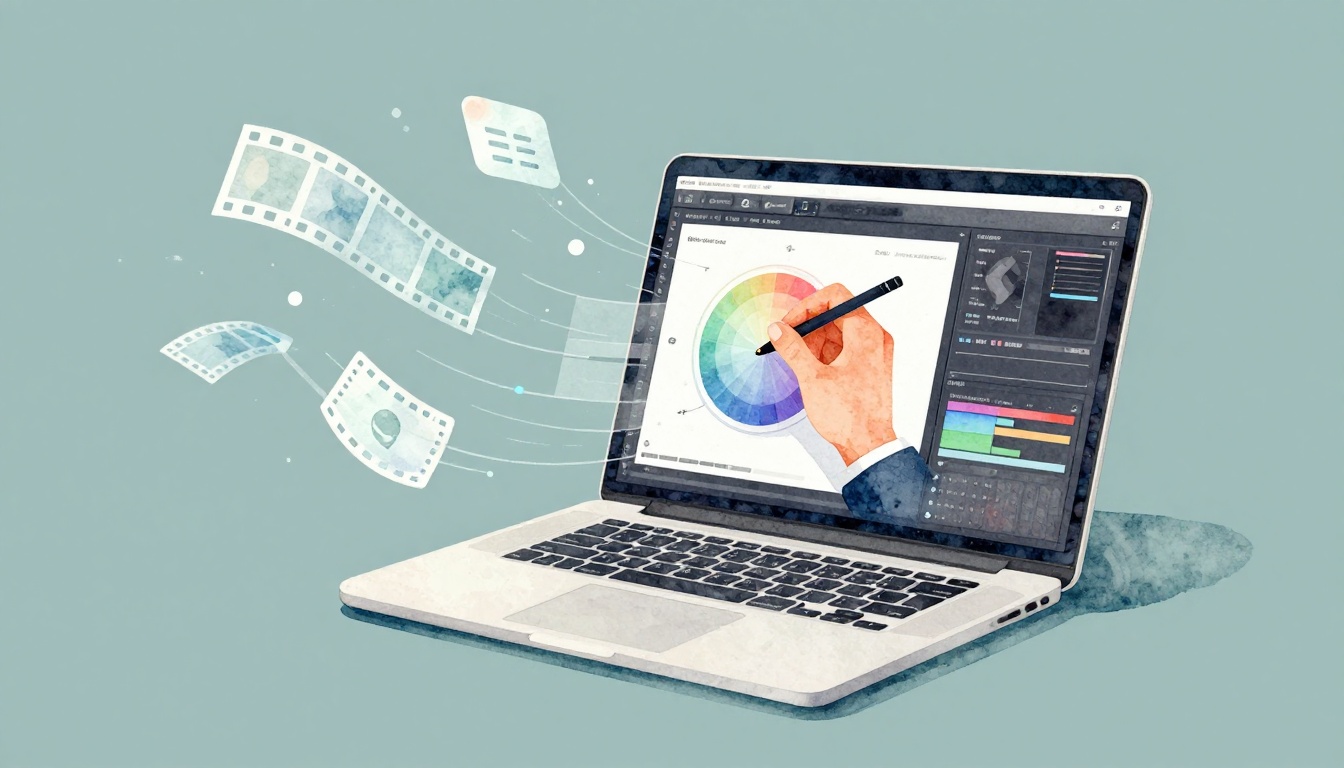
In 2026, video makes up over 82% of online traffic, so attention is going to video first. That means your raw clips rarely win on their own.
Video editing is the work of taking raw footage, cutting it down, arranging shots, adding effects, and polishing it into a story. When you edit well, you keep people watching, feeling, and clicking.
This matters for creators, because editing turns “I recorded this” into “I made something worth seeing.” It matters for businesses, because better videos usually mean better results on social media and ads. In this guide, you’ll learn what video editing is, what the process looks like step-by-step, which tools to try, and why the skill pays off in 2026.
What Video Editing Looks Like in Action
Think of video editing like building a playlist. You start with lots of clips, then you pick the best parts, order them for flow, and cut out the noise. You also add “soundtracks” to match the moment, like music, voice, and clean audio. Then you give everything a final polish, like color grading and captions.
A big idea here is non-linear editing. Instead of recording one long take, you edit in a timeline. You can jump around, swap shots, and change the order without starting over. That freedom is what makes modern editing feel creative, not stressful.
Here’s a simple example. Say you film a YouTube vlog on your phone. You might capture 12 short moments, like walking in, talking to the camera, and showing a coffee shop. Editing helps you choose the cleanest takes, tighten the pacing, and add text that explains what viewers are seeing.
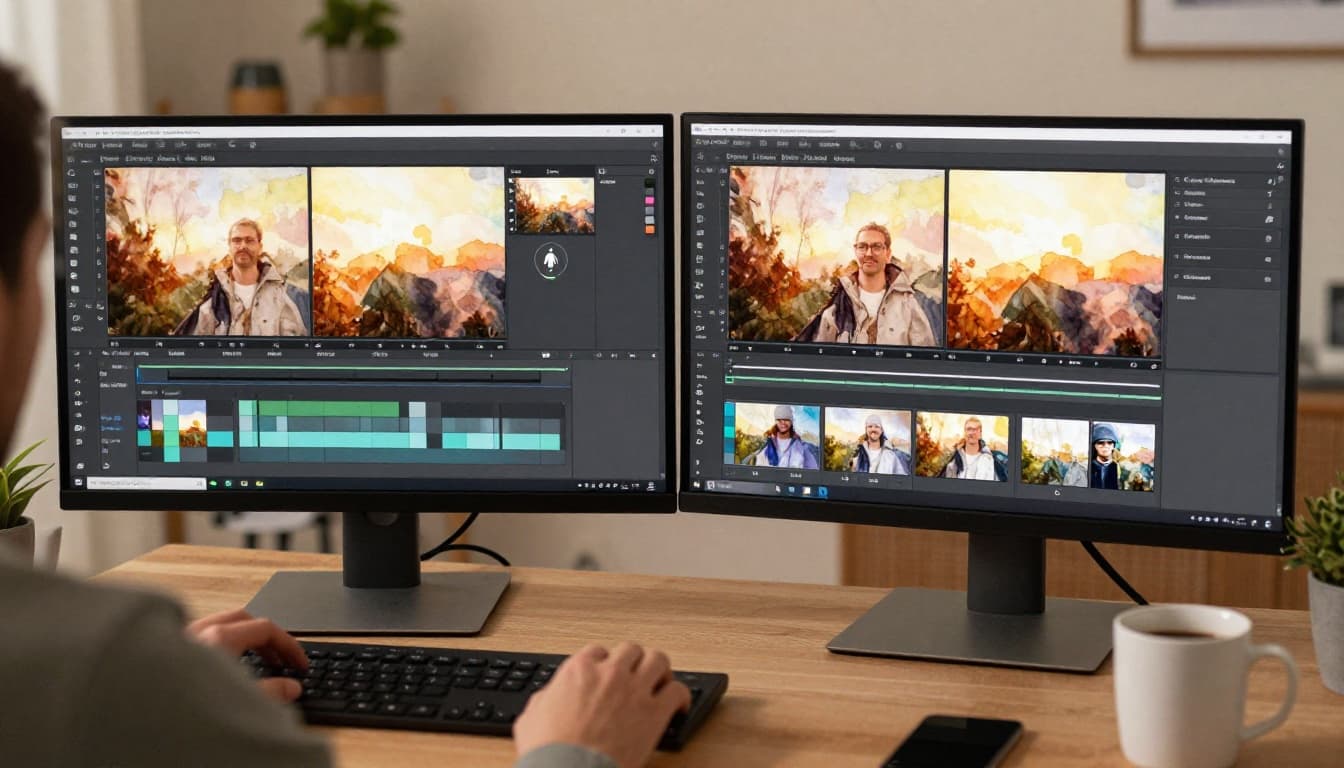
Most edits follow a pattern. First, you import and organize footage. Next, you cut and arrange clips. Then you add transitions and effects. After that, you fix audio and improve the look with color grading. Finally, you export the file in the right format for the platform.
If you’re a total beginner, you can learn faster with a guided workflow like how to edit videos for beginners. You’ll see how the steps fit together, instead of treating editing like random button-pushing.
Breaking Down the Main Editing Steps
If you want your first edit to feel doable, focus on the main actions. They’re the same whether you edit a TikTok clip or a longer YouTube video.
- Import clips and organize your best shots
Start by bringing footage into your editor. Then make simple bins or folders, like “interview,” “B-roll,” or “openers.” - Trim and rearrange for smooth flow
Remove long pauses and mistakes. Next, place clips in an order that makes sense. If your story jumps, tighten it. - Add transitions and pacing tools
Fades, wipes, and cuts can help viewers follow along. Still, keep it simple. Too many effects feel distracting. - Clean audio, then add music or voiceovers
Good audio matters as much as good video. Balance levels, reduce noise, and sync voice to the mouth. - Fix color and brightness
Color grading makes your footage look consistent. It also sets mood, like warm tones for cozy travel clips. - Export for the platform you’re posting on
Each platform prefers certain formats and sizes. Exporting correctly helps your video look sharp and upload fast.
A beginner-friendly mindset helps. Don’t try to “finish” in one pass. Instead, do one pass for cuts, then a second pass for audio, then a third pass for color.
Most importantly, you’re not just cutting. You’re shaping attention. Every trim removes friction, and every beat supports the story.
Core Techniques: From Cuts to Color Grading
Now let’s talk about the building blocks that turn raw footage into something people enjoy watching.
Start with cuts. A cut can mean shortening a clip, splitting it into parts, or removing a section entirely. Cuts control pacing. Faster cuts work well for short-form content. Slower cuts help when you’re explaining something clearly.
Next comes effects. Effects can do more than look cool. For example, slow motion can emphasize a reaction. Text overlays can guide viewers through steps. Motion effects can point attention to a product in frame. The trick is using effects to support the viewer’s goal.
Audio is where many videos quietly lose. Even great footage can feel weak with noisy sound. So you might remove background hiss, lower music under voice, and make sure audio peaks do not clip. If you add music, match its rhythm to the edit. When the beat hits, the story feels intentional.
Finally, color grading is what gives a polished look. If your travel clip feels flat, color grading can bring it to life. You can adjust brightness and contrast. You can also shift temperature to create a specific mood. Warm tones often feel inviting. Cooler tones can feel calm or cinematic.
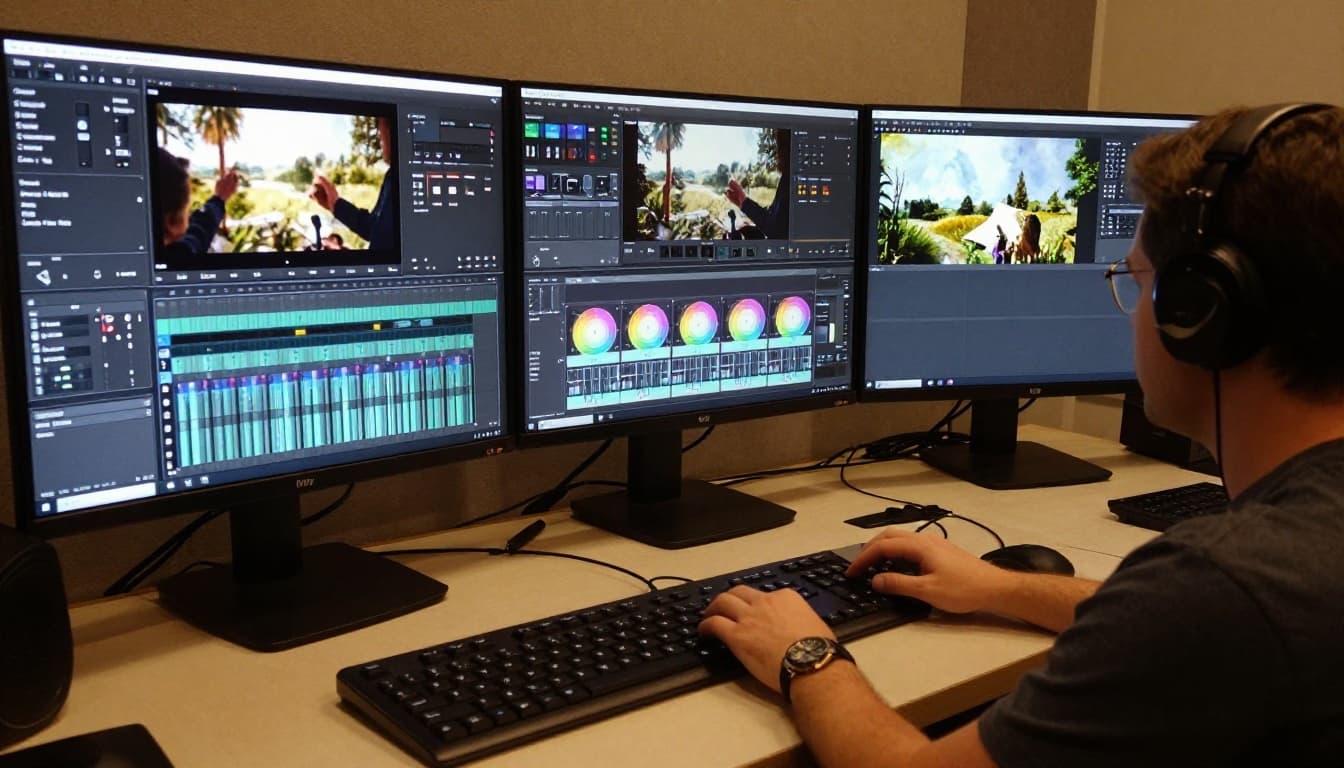
Here’s a real-world vibe shift. Imagine a travel video where the sky looks dull. After trimming the dead space, you grade the footage so blues pop and skin tones stay natural. Then you clean the audio so street noise doesn’t overpower your voice. Suddenly the same footage feels like a mini movie.
If you want a learning path, use a plan like a 10-step roadmap to learn video editing. You’ll practice the right order of skills, and your edits will improve faster.
Best Video Editing Tools to Use in 2026
In 2026, you don’t need to pick a “perfect” editor. You need an editor that fits your device, your budget, and your posting style. Most tools support non-linear editing, so you can cut and rearrange freely.
Also, many editors now include AI helpers. These can speed up the boring parts, like auto captions and smart adjustments. In practice, that means you spend more time on story and less time on setup.
Use this quick guide to match tools to your needs:
- Adobe Premiere Pro: Great for serious projects and flexible workflows
- Final Cut Pro: Strong option if you edit on Mac
- DaVinci Resolve: Excellent for color grading and advanced polishing
- CapCut (or similar): Friendly for phone-first editing and social clips
- Clipchamp: Simple for beginners who want easy exports
- Riverside: Built for creator-focused recording and editing workflows
If you’re choosing between two top programs, comparison reviews help. For example, see DaVinci Resolve vs. Final Cut Pro to understand differences in strengths, learning curves, and color tools.
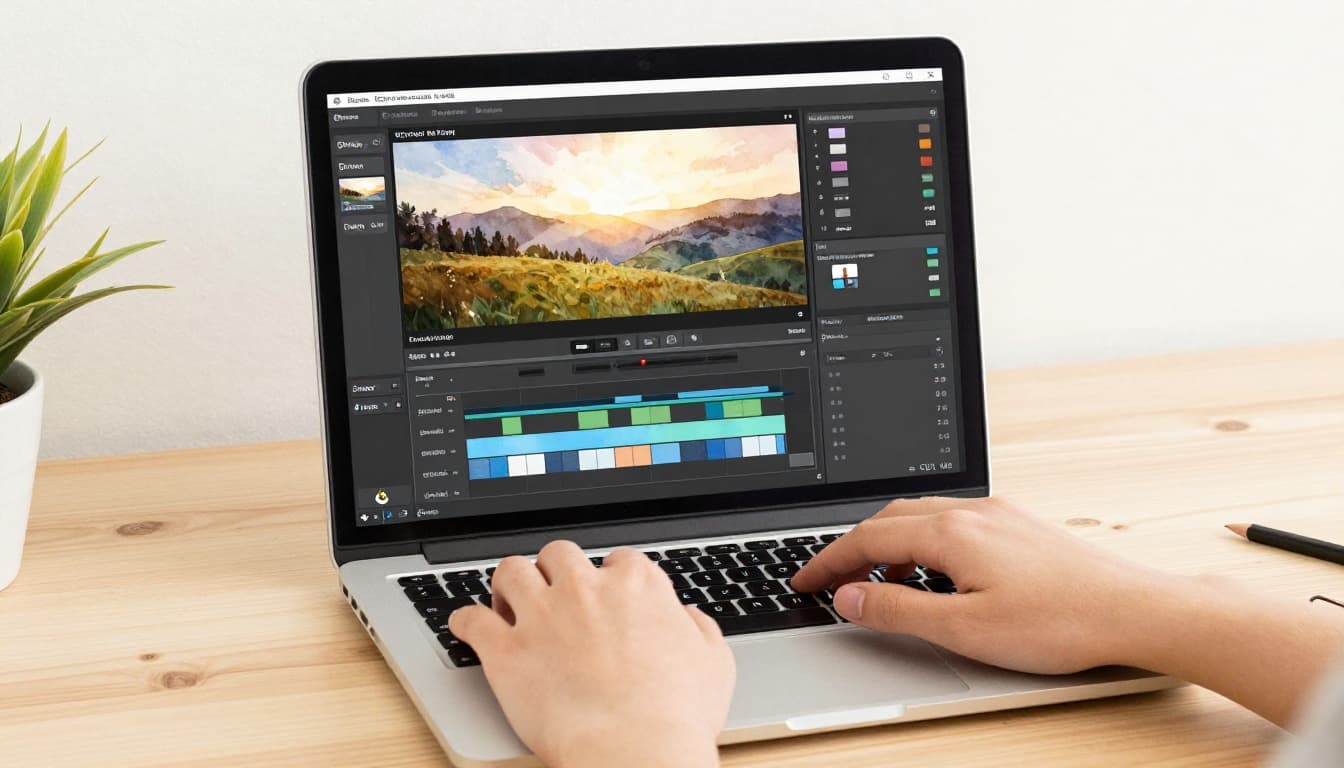
One more thing matters in 2026: vertical video. If you’re making content for Reels, Shorts, and TikTok, your export settings should match the format. Most editors let you set vertical timelines and safe zones. That saves you from awkward cropping later.
If you want a broader list, check out best video editing software 2026 comparisons. It’s useful when you feel stuck between “too simple” and “too complex.”
Why Mastering Video Editing Pays Off Big Time
Video editing isn’t just a creative hobby anymore. It’s a skill that connects directly to attention, sales, and careers.
Here’s the headline number that drives everything: video is projected to take about 82% to 85% of all internet traffic in 2026. So if your content plan uses video, editing quality becomes part of your marketing plan.
AI makes the payoff even faster. One report shows teams cutting editing time from 40 hours to 4 hours for full workflows, which is about a 90% drop. Other teams report large reductions too, like shorter post-production time and faster publishing.
So editing becomes less about “Can I make a video?” and more about “Can I make the right video, quickly, and consistently?”
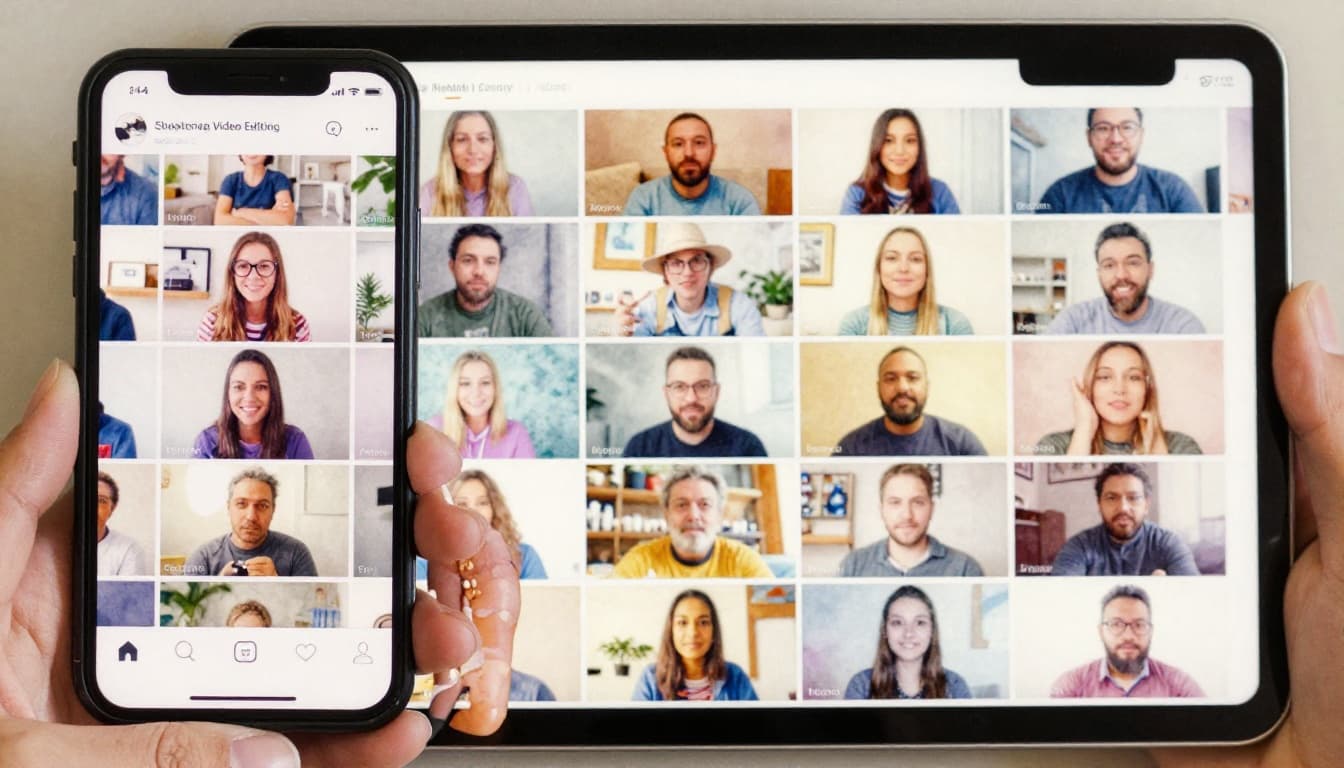
Skyrocketing Engagement on Social Platforms
Short-form video is where editing skills show up fast. When you edit for speed, you match how people scroll.
In 2026, short videos also drive strong engagement. One set of stats places short-form engagement around 5.55% median across major platforms, beating images and text. Even better, videos tend to perform when they hook quickly and keep a clean pace.
Editing helps with three things most platforms reward:
- Fast pacing: trimming dead air and tightening story beats
- Clear sound: voice you can understand right away
- Readable structure: captions, text overlays, and visual flow
This is why captions matter. When captions appear in the right moments, more viewers stay until the end. Also, if your edit uses music and rhythm well, viewers feel the “shape” of your message.
Many creators now repurpose one shoot into multiple formats. For example, you might record a single interview, then cut it into TikTok clips, Reels segments, and a longer YouTube video. Editing is what makes repurposing feel clean instead of random.
If you want ideas for how to slice one video for multiple platforms, the social media video editor guide is a helpful reference point. It focuses on turning long footage into short, shareable clips.
Unlocking Business Growth and Marketing Wins
For brands, video editing improves more than views. It improves trust.
When a company posts a clear message with clean audio and consistent visuals, people assume the business is organized. Then that confidence supports actions like signing up or buying.
Editing also supports storytelling. Even simple promos work better when you structure them like a story, not a slideshow. For example, start with a problem, show a moment of change, then end with the offer. Cuts, transitions, and audio beats help you keep that flow.
AI adds a practical business advantage too. Teams using AI for editing report faster production and quicker review cycles. That means more tests. When you can test more versions, you can find the edits that drive better results.
Some marketing teams use AI to speed up the tedious parts, but they still rely on humans for creative decisions. The human still chooses the best story angle. The human still knows when to keep a pause for emotion. AI just saves time on the repeat tasks.
Hot Job Opportunities for Video Editors
The job market for video editors stays strong in the US. The US Bureau of Labor Statistics projects about 3% growth from 2024 to 2034 for film and video editors. It also expects around 6,400 job openings each year due to retirements and job changes.
You’ll also see demand in many industries, not just film. Companies need edits for training videos, product demos, real estate tours, healthcare explainers, and education content.
Skills that employers keep asking for include:
- Editing in major software (like Premiere Pro or DaVinci Resolve)
- Audio cleanup and basic mixing
- Color work that makes footage look consistent
- Motion graphics or VFX for special projects
- Platform-aware exports (especially short-form)
AI helps, but it doesn’t replace creativity. It helps you move faster while you stay responsible for quality.
Also, many roles now expect you to deliver in multiple formats. One shoot may need horizontal, vertical, and square versions. Editing is what makes all those outputs feel like one brand style.
If you’re starting out, don’t wait for “advanced” skills. Build a base: learn trimming, timing, audio cleanup, and color basics. Then add one specialty, like captioning for short-form or motion graphics for brand ads.
Conclusion
Video editing is how you turn raw clips into a clear story. It’s not just cutting. It’s trimming, arranging, fixing audio, and polishing color so viewers stay with you.
In 2026, the stakes are high because video already drives most online traffic. At the same time, AI is speeding up the slow parts, so you can publish more often and test more ideas.
If you want to start, pick one simple editor and make one short video this week. Focus on clean cuts, understandable audio, and a consistent look. Once you see your first “before and after,” you’ll get why this skill keeps growing.
What’s your next video going to be about, and what’s the one part you’ll edit first?