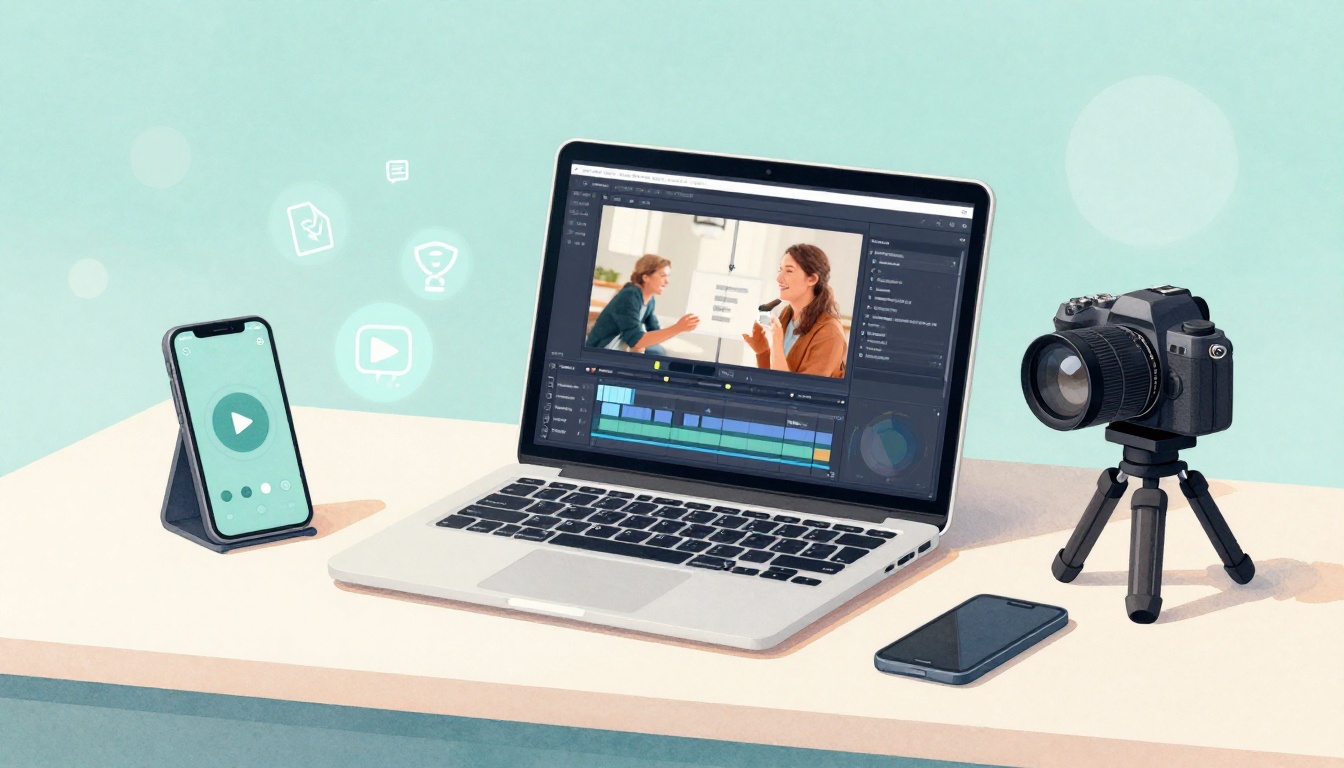
In 2026, video is the easiest way to get your ideas noticed. About 94% of internet users watch online video monthly, and people spend 17 hours a week on video. Short videos also tend to get 2.5x more engagement, especially when they’re vertical and simple.
If you’ve been thinking, “I could never do that,” you can. Video creation just means making moving clips (short or long) using your phone or computer. Then you edit a bit and share your story on places like YouTube or TikTok.
Ready for a beginner-friendly guide to get started with basics, gear, steps, and platforms? Let’s begin.
What Video Creation Means for Total Newbies
Video creation is basically three actions in a loop: record, edit, and share. When you boil it down, it’s not Hollywood. It’s you capturing moments, adding sound, and turning raw clips into something people can follow.
Think of it like cooking. You start with ingredients (your clips). Then you season it (edit, captions, music). Finally, you plate it (upload with a good title and thumbnail). Even if your first video is a little messy, it still counts. Practice is part of the process.
Here are a few common types you’ll see from beginners:
- Vlogs: quick updates about your day, your work, or your hobby
- Tutorials: teach one small thing, like a recipe step or a lesson tip
- Shorts for TikTok, Reels, and Shorts: fast ideas, usually 15 to 90 seconds
- Longer YouTube videos: deeper guides, reviews, and explained stories
Also, you don’t need perfect lighting or a fancy mic. You need clear intent. For example, you can film a 30-second tip while cooking. Or you can film your pet doing something funny. Viewers often connect with real moments, not flawless ones.
One thing to keep in mind is format. In 2026, vertical videos (the 9:16 style that fills your screen) get extra attention on mobile. So if you’re a total beginner, start by filming upright. Then edit to keep your story tight. Cut pauses. Keep moving.
If you want ideas, start with topics you already talk about. Baking, gaming (non-spoiler style), fitness routines, thrift finds, pet care, or simple how-to tips. Your background helps because you won’t need a script that sounds forced.

To stay encouraged, remember this: most creators started with “rough drafts.” You’re not behind. You’re just starting at the beginning.
Why 2026 Is the Best Time for Beginners to Start Videos
Want to know why starting now feels easier? Video has become the default choice for attention.
In early 2026, 82% of all internet traffic is video. Businesses know this too. 91% of businesses use video as part of marketing, and video often leads to sales after people watch and learn. That means your content has a place to land.
Even better, short-form video keeps rewards close to the effort. You can publish a quick clip, see what works, then improve fast. It’s like getting feedback on every practice round.
Short videos in particular matter because viewing habits favor speed. YouTube Shorts alone racks up massive daily views, with figures reported in the hundreds of billions globally. Meanwhile, vertical viewing keeps winning on phones. In the US, 69% of digital video viewers prefer watching on phones. So if you’re filming vertically, you’re already playing the game many people prefer.
Then there’s a huge reason beginners win right now: tools got easier. Free apps can do trims, captions, basic effects, and simple transitions. Plus, AI features help with repetitive steps. For example, auto-captions can reduce work, and quick edit tools can help remove pauses. The goal isn’t magic. The goal is fewer boring tasks.
Here’s the real motivator: you can do this with what you have today. A phone and a room with decent light. That’s enough to start posting.
If you want a clearer picture of how short video platforms differ, this comparison helps: Instagram Reels vs TikTok vs YouTube Shorts.
In other words, 2026 is a beginner-friendly year. You don’t need a big budget. You need a small idea, then consistency.
Grab These Free Tools and Gear to Kick Off Your Videos
Let’s keep this simple. For most beginners, the best “gear upgrade” is better light and steadier shots. Video quality often improves just by moving near a window.
The beginner setup that actually works
You can start with:
- Your phone (rear camera often looks sharper than the front)
- Vertical mode for Shorts, Reels, and TikTok
- Window light for softer, more natural color
- A quiet room for cleaner audio
- Tripod (optional), a small stand helps a lot
You don’t need a ring light. You need your face or subject to be easy to see.
Free video editors you can use right away
Editing can feel intimidating, but it doesn’t have to be. A basic workflow is simple: cut, trim, add captions, and export.
Here’s a quick comparison of beginner-friendly free options:
| Video editor | Best for beginners | Main strengths | Platform |
|---|---|---|---|
| CapCut | Social clips and quick edits | Easy drag-drop, captions, effects | Mobile and web |
| OpenShot | Simple timeline work | Straightforward cuts, basic tracks | Windows, Mac, Linux |
| iMovie | Mac users | Clean interface, quick editing | Mac, iPhone |
| Clipchamp | Web-first editing | Easy browser workflow | Web |
| DaVinci Resolve | Quality-focused beginners | Strong color and audio tools | PC and Mac |
If you want an extra list of free options to compare, this guide is useful: Best free video editing software in 2026.
Which editor should you pick first?
If your goal is short videos, start with CapCut. It matches how most beginners work: film on a phone, then edit on a phone or web.
If you prefer a simple PC workflow, OpenShot or Clipchamp can be a good fit. If you’re curious about advanced color or audio later, you can keep DaVinci Resolve on your “someday” list.
Also, AI features are showing up in more tools. You can explore AI helpers like this overview of AI video editors from CapCut: Top AI video makers in 2026. Just remember, AI still needs your direction. Your idea is the main ingredient.
For now, don’t overbuy. Start minimal. Upgrade later, after you know what style you like.
Follow These Easy Steps to Make Your First Video
You don’t need a big plan to publish. You need a repeatable one.
Here’s a simple way to create your first video without getting stuck.
- Pick one simple idea (and keep it small).
For example, one cooking tip, one pet-care routine, or one short lesson. Choose a niche you already know. - Outline a quick script (casual talk is fine).
Write 3 to 5 points. Then speak like you’re explaining to a friend. - Set up light and sound before filming.
Face a window. Reduce background noise. Turn off fans if you can. - Film short clips in takes.
Start with the hook fast (first 3 seconds). Shoot multiple angles if you can, like close-up and wide shot. - Edit for clarity, then export.
Trim pauses. Add captions. Include music if it fits. When ready, export in the correct format for the platform.
After you post, you’ll learn more from your own results than from watching tutorials for hours. That’s how growth actually happens.
Want to make it even easier? Practice with a short video first. If your first video is 20 to 45 seconds, you’ll finish faster and get feedback sooner.
The fastest way to improve is to publish, then adjust your next one.
Plan Smart to Avoid Common Beginner Mistakes
Most beginners don’t fail because they’re “bad at video.” They get stuck because they made it too complex.
Instead, keep your topic narrow. Try one small promise: “I’ll show you how to slice an avocado fast,” or “Here’s how I train my dog to sit.” Then build a tight flow around that promise.
Also, use a shot list even if you feel “too beginner” for it. A basic shot list could be:
- 1 wide shot to show what you’re doing
- 2 to 3 close-ups for details
- 1 final shot that wraps up the result
Finally, keep your pacing. Shorts work because viewers can follow quickly. If a part drags, cut it. If you ramble, rewrite the next take.
Film Like a Pro With Just Your Phone
Your phone already has everything you need. The trick is using it with intention.
First, shoot vertically for platforms that favor vertical video. Keep your subject centered. If your hands shake, brace your elbows or use a small stand.
Second, speak clearly. Record at a comfortable distance. If you can, hold the phone a bit above eye level. That angle often looks more natural.
Third, do retakes. It’s normal. Film the same step two or three times. Then pick the best clip during editing.
Fourth, don’t hide your hook. Show the result early. If you’re making a snack, show the final plate in the first seconds. Viewers stay longer when they know what they’re about to get.
Edit Fast and Add Polish Without Stress
Editing shouldn’t feel like homework. For your first pass, focus on three things: cut, caption, export.
If you’re using CapCut, the flow is simple:
- Import your clips
- Cut out pauses and mistakes
- Add captions (auto-captions can help)
- Add a light background music track if it doesn’t overpower your voice
- Export in a vertical format
If you want one more idea for AI-assisted short creation, this guide can help with workflows: How to Make YouTube Shorts with AI.
Also, plan for repurposing. One longer idea can become multiple short clips. For example, a 6-minute tutorial can split into 6 shorts, each covering a single step. So you don’t need to start from scratch every time.
Share on Top Platforms and Watch Your Views Grow
After you edit, sharing is the easy part. The hard part is posting with a little strategy.
Here’s where beginners usually start:
- YouTube: Shorts for fast growth, longer videos for search and deeper watch time
- TikTok: short clips with strong viral potential
- Instagram Reels: great for reaching people who already follow you
If you want a quick view of how these platforms differ, this resource helps: Instagram Reels vs TikTok vs YouTube Shorts.
When you upload, use simple details:
- Titles that match the video promise (example: “How I Clean My Sneakers in 5 Minutes”)
- Captions if your app supports them (they help with watch time)
- A thumbnail frame that shows the result (not a blank background)
Also, don’t wait for “perfect timing.” Post when you can. Consistency beats long delays.
Your first videos teach you how to earn attention.
Finally, start with Shorts for practice. Shorts are a low-pressure way to learn pacing, hooks, and editing. Later, if you want to build deeper audiences, you can move into longer YouTube content.
Conclusion
Video creation is simpler than most people think. It’s recording, editing, and sharing a clear idea, using tools you can get for free. Since video gets so much attention in 2026, beginners can grow fast without big budgets.
So take one topic you already care about. Film a short clip today, edit it in CapCut or another free editor, then post it. You’ll improve on the next one, because you’ll know what worked.
What’s your first video topic? Share it below!